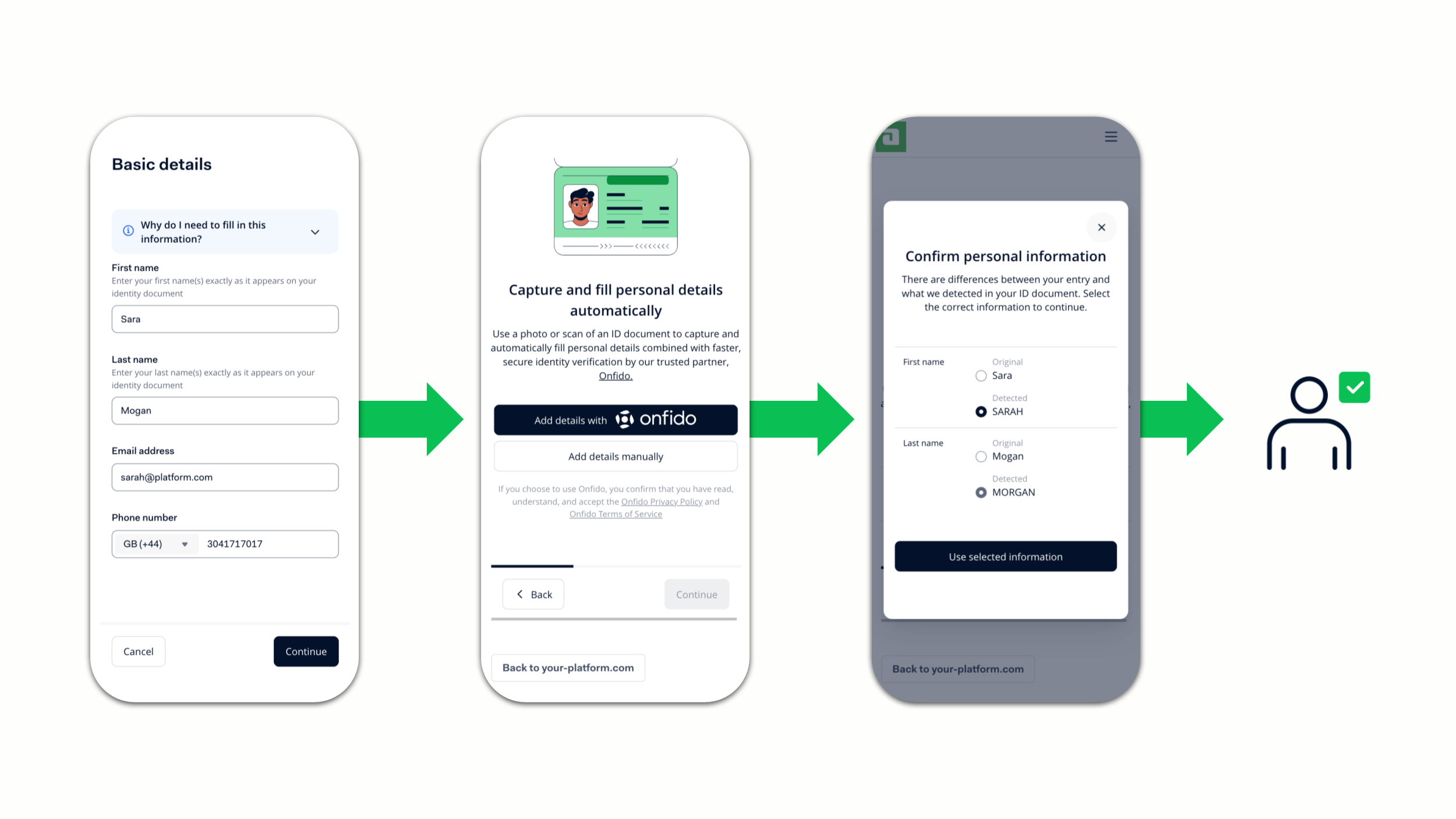
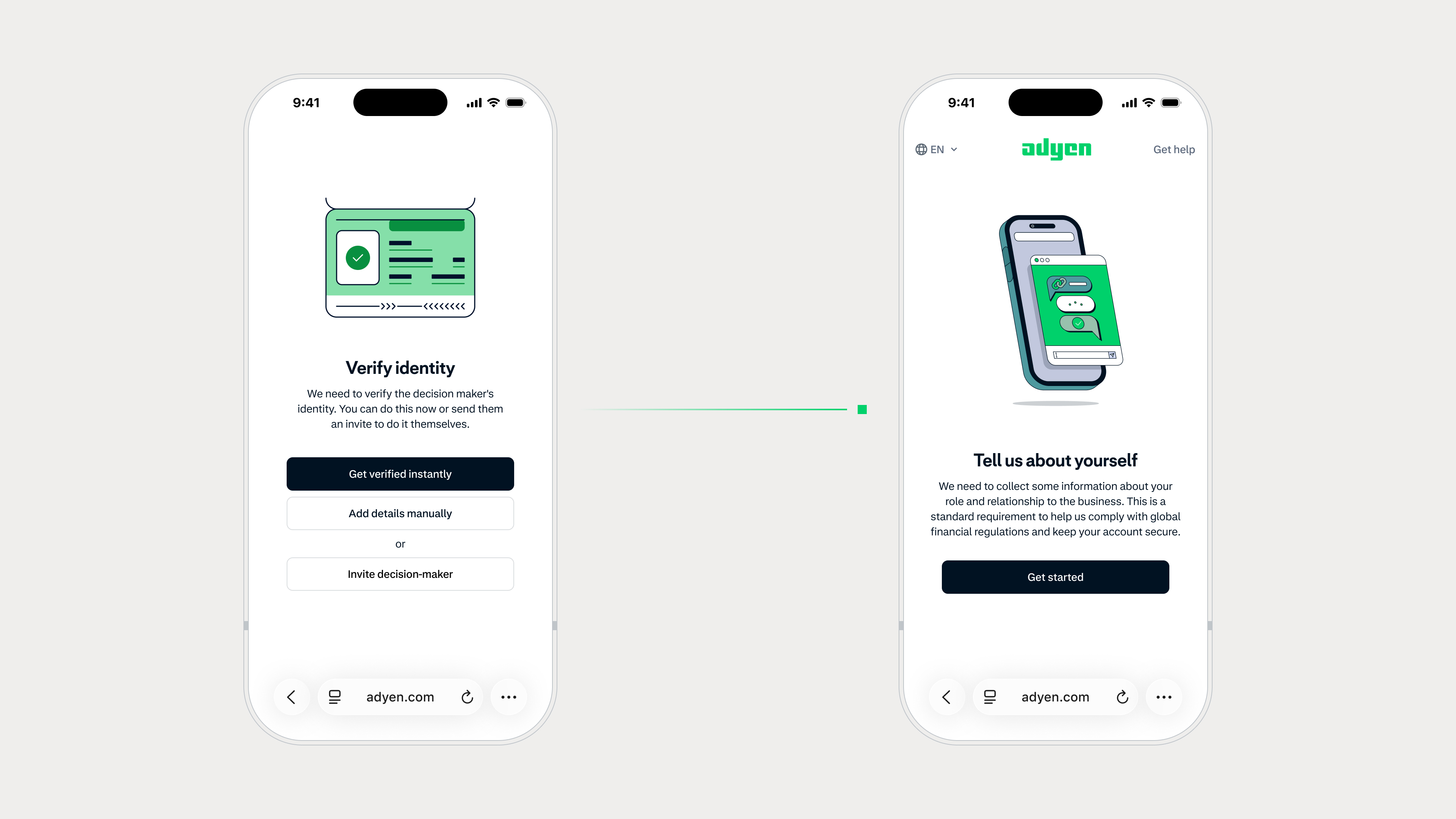
- Hosted onboarding: Direct your users to a page hosted by Adyen, where Adyen manages the onboarding flow and user interface (UI). You can either have Adyen create the resources automatically by requesting them in your Customer Area (onboarding on invite), or create the resources yourself by making a few API calls (API-initiated hosted onboarding).
- API-only onboarding: Build your own UI and collect required user data. You make API requests to create resources and submit the user data to Adyen. This onboarding type gives you complete control over the user journey within your platform’s environment.
Requirements
If you have an Adyen for Platforms integration, there are no additional requirements, limitations, or preparations.Hosted onboarding
Hosted onboarding Postman flows
 Try out Postman flows in your private workspace to test all the required API calls with your own credentials.
Hosted onboarding is our recommended solution for collecting the information needed to onboard your users. This option requires less integration effort, because your users provide their information directly on a page hosted by Adyen.
You can onboard the following legal entity types:
- Organization
- Individual
- Sole proprietorship
- Trusts (Only in Australia and New Zealand)
-
Onboarding on invite: In your Customer Area, request Adyen to create an account holder for your user. You then create a hosted onboarding link to redirect your users to enter their information. Choose one of the following options:
- Create a hosted onboarding link in your Customer Area to share it with your user after their account is created. Your user can securely access the hosted onboarding link with an SMS authentication. They then will be redirected to the Adyen-hosted page to provide their information.
- Integrate the View Verification Status component into your user interface (UI). This component automatically creates a hosted onboarding link, redirects your user to the Adyen-hosted page to provide their information, and shows their verification status.
- API-initiated: Create resources and a hosted onboarding link by making API calls to several endpoints. After you create the link to the onboarding page, redirect your users to enter their information.
- Onboarding on invite
- API-initiated
Onboarding on invite allows you to onboard users without integrating APIs for hosted onboarding. All actions are performed in your Customer Area, requiring minimal manual work from you.In your Customer Area, request Adyen to create an account holder for your user. You then create a hosted onboarding link to redirect your users to enter their information.When you request an account holder, Adyen automatically creates all required resources and configures the default payment methods for your user.
Resources and payment methods
The payment methods and stores are created after thereceivePayments capability is allowed. This means that information about the payment methods and stores becomes accessible in the Customer Area only after the user has completed the verification process.Adyen creates the following resources for your user:- Account holder
- Balance account
- Business line
- Legal entities
- Payment methods
- Stores
- AliPay
- Amex
- Bancontact
- China UnionPay (CUP)
- Discover
- Eftpos
- Girocard
- iDeal
- JCB
- Maestro
- Mastercard
- Visa
Hosted onboarding link
The following shows the possible options for creating a hosted onboarding link during the onboarding on invite flow.If you choose API-initiated hosted onboarding and generate a link using the LEM API, you need to:- Configure the page settings to show the relevant PCI questionnaires that the user needs to sign.
- Handle the redirect to the hosted onboarding page.
- Set up your server to get updates about the verification status and results.