

Requirements
Before you begin, take into account the following requirements.Upload chargebacks
- Contact our Support Team and ask them enable the Upload Chargebacks role for your user.
- Log in to your Customer Area and select a merchant account. It is not necessary to upload chargebacks for each merchant separately. You can upload any chargebacks within a company under one merchant.
- Go to Revenue & risk > Disputes.
- Select the Upload tab.
-
Upload a CSV file including the payments as detailed in the required field reference.
After uploading, we will process your request and update the transaction status. When the transaction status has been updated it cannot be reversed or amended.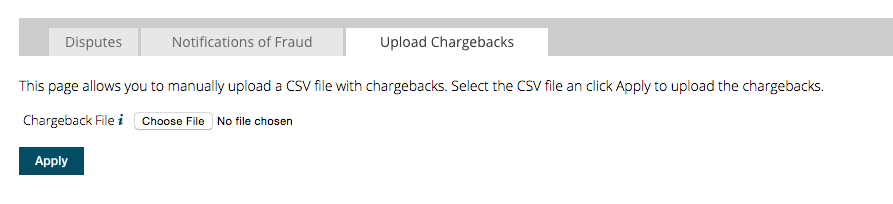 .
Required fields
The uploader accepts CSVs of 1,000 payments or fewer at a time. The following headers are required in the CSV:| Field | Required | Description |
|---|---|---|
pspreference |  | This is the pspreference number of the transaction that had the chargeback. |
amount | | By default, the full transaction value is used for the chargeback. If a partial chargeback occurred, this field must be provided. The amount should be represented in minor units (without a decimal point). For more information, see Currency codes. |
reason | | Provide more context on the chargeback. Include the scheme specific reason code, for example 4863 for Cardholder does not recognize - Potential Fraud. For more information, see Dispute reason codes and defense requirements. If left empty, the chargeback will be considered non-fraudulent. If the reason code is not known and you still want to flag the chargeback as fraudulent, send the value fraud and Adyen will map it to the correct reason code. |